Honeywell Home 9000 Smart Color Touchscreen Thermostat – Advanced Climate Control

The Honeywell Home Wi-Fi 9000 Color Touchscreen Thermostat (TH9320WF5003/U) is a wall-mounted thermostat designed to control compatible residential HVAC equipment through standard low-voltage thermostat wiring. It provides a full-color touchscreen interface for temperature control, scheduling, and device settings, with optional network-connected features when connected to Wi-Fi and registered.

Product Images

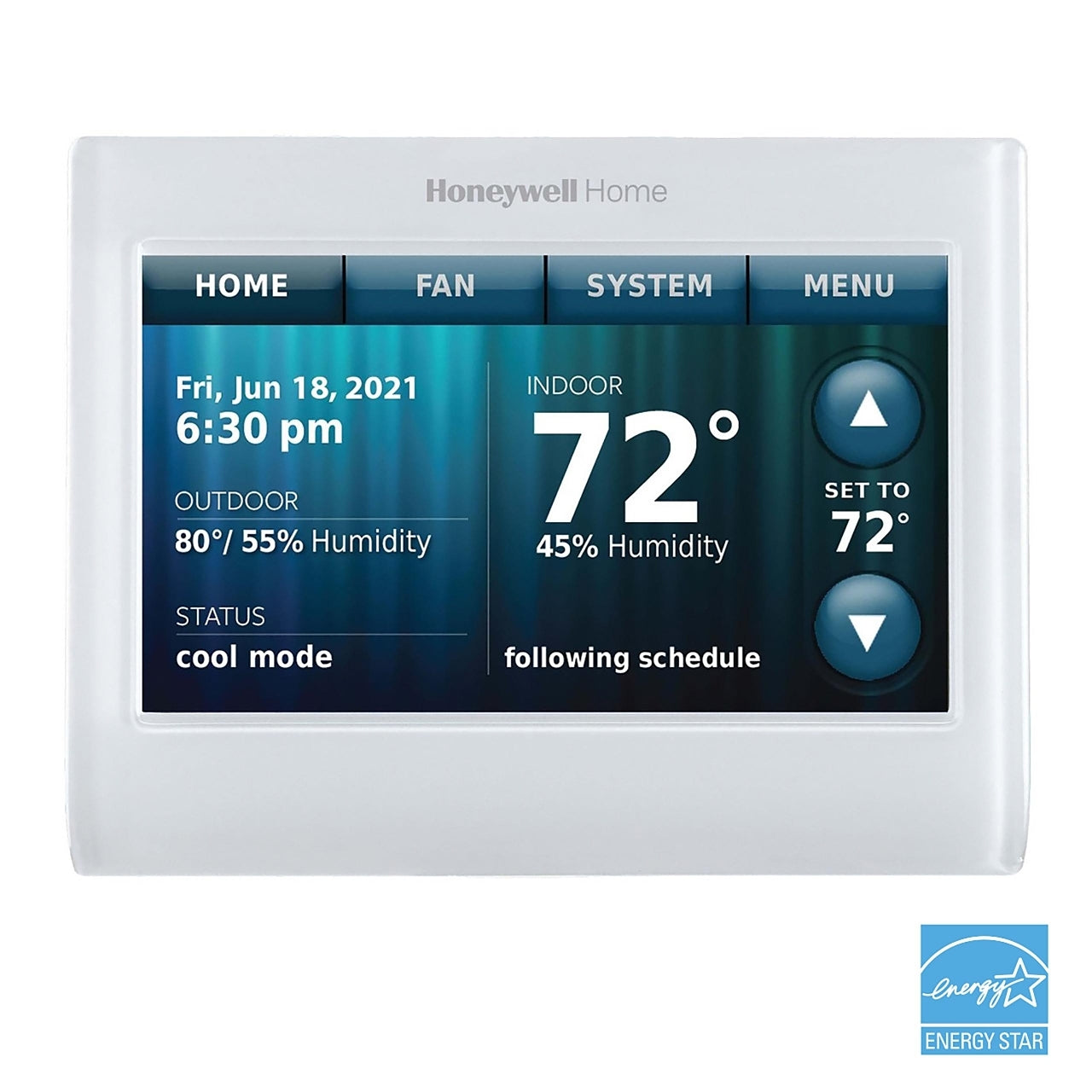
Honeywell Home 9000 Smart Color Touchscreen Thermostat
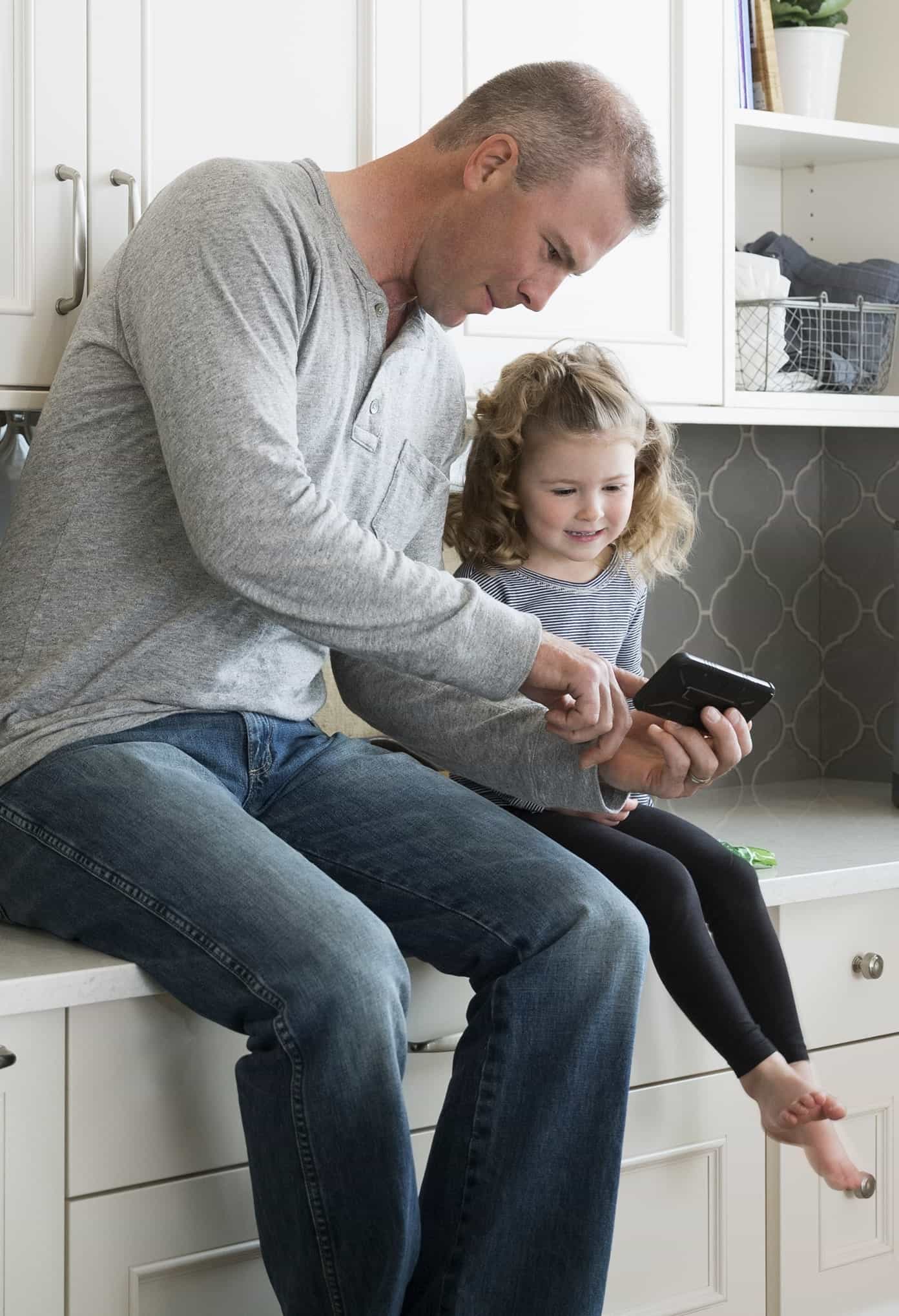
Thermostat installed in a residential setting

Visual clarity matters for day-to-day operation. The 9000 series uses an on-device touchscreen UI that can be configured for display preferences, lock modes, and system behavior based on the features enabled in setup.

Key Features

  • Weather display & forecast (Wi-Fi required): can show outdoor temperature and an 8-hour forecast based on ZIP code when connected and registered.
  • Color scheme customization: choose from preset schemes or create a custom scheme using a large set of color options with adjustable shade and brightness for background/text.
  • Fan “Circulate” mode: optional fan circulation behavior available under fan settings.
  • Hold controls: supports temporary hold (until the next schedule event) and permanent hold behavior through the on-device interface.
  • Screen lock modes: supports unlocked, partial lock (setpoint changes allowed), and full lock behavior through security settings.
  • Maintenance reminders: reminder options for items like air filter and humidifier pad based on configurable intervals.
  • Smart Response / Recovery option: can start heating/cooling earlier so the setpoint is reached at the beginning of a scheduled period (when enabled).
  • Auto changeover option: can switch between heating and cooling automatically based on temperature swing/differential rules when configured.
  • Clean Screen mode: temporarily disables touch input to allow the screen to be wiped clean.

How It Works (Control Logic & Scheduling)

The thermostat measures temperature at the installation location and compares it to configured setpoints. When scheduling is enabled, it follows time-based setpoints. A temporary hold overrides the schedule until the next scheduled event; a permanent hold maintains a setpoint until changed by the user. When Smart Response / Recovery is enabled, the thermostat can begin heating/cooling earlier so the scheduled setpoint is reached at the schedule start time.

Connectivity & Remote Access

When connected to Wi-Fi and registered with the supported service, the thermostat can display additional connected features such as weather/forecast. Remote interaction depends on account setup, network availability, and the supported mobile app/service experience for this model line.

Note: voice control behavior depends on the supported app/service environment; availability can vary by platform and configuration.

Performance & Specifications 

  • Model / SKU: TH9320WF5003/U
  • Interface: Color touchscreen display
  • Mounting: Wall-mounted thermostat
  • Application: Residential HVAC thermostat control
  • Wi-Fi features: Supported when connected and registered (feature set depends on service/app)
  • Scheduling: On-device programmable scheduling with hold controls
  • Screen lock: Unlocked / Partial / Full lock modes
  • Display customization: Presets + custom color configuration options
  • Maintenance reminders: Supported (configurable intervals)
  • Auto changeover: Supported when configured (heating/cooling switching logic)

Documentation

Official manuals and installation resources are provided by the manufacturer for this model line.

  • User manual and installation guide are available through the manufacturer support page.
  • Configuration, wiring, and troubleshooting articles are provided as part of the support library.

Frequently Asked Questions

Can this thermostat show weather information?
Yes—when connected to Wi-Fi and registered, it can display outdoor temperature and an 8-hour forecast based on ZIP code.

What lock options are available?
It supports unlocked, partial lock, and full lock modes through security settings.

How does “Hold” interact with the schedule?
A temporary hold remains until the next schedule change; a permanent hold maintains the setpoint until changed.

Shipping

View full details in our Shipping Policy.

Returns & Refunds

View full details in our Refund Policy.

Disclaimer

Product features and availability can vary based on HVAC system compatibility, wiring configuration, network environment, and supported services/apps. Always follow manufacturer installation instructions and local codes.

For platform-wide terms, see our Disclaimer Policy.

Customers also bought

    Complementary products

      • SHIPPING

        Free for orders over 300$

      • PREMIUM CUSTOMER SUPPORT

        Connect with us through live chat, email or phone, and we will address any questions you may have!

      • PREMIUM CUSTOMER SUPPORT

        Connect with us through live chat, email or phone, and we will address any questions you may have!

      • SECURE ENCRYPTED PAYMENTS

        We utilize advanced encryption to ensure there is never an issue with your privacy.